Start from your own Methods
Your protocol supplies the sequence and scientific meaning. A written outline gives the drafting workflow a clear task and helps you notice omissions before spending time on visual styling.
Research methods figure
Describe your experimental steps, groups and readouts. Draft a methods schematic, then check its labels and relationships against your study before using it in a paper.
Enter the steps and relationships you have verified. Sign in to generate an AI draft; generation uses your account’s available credits.
CV-Vector Beta · 16:9
diagram
Try an example
01
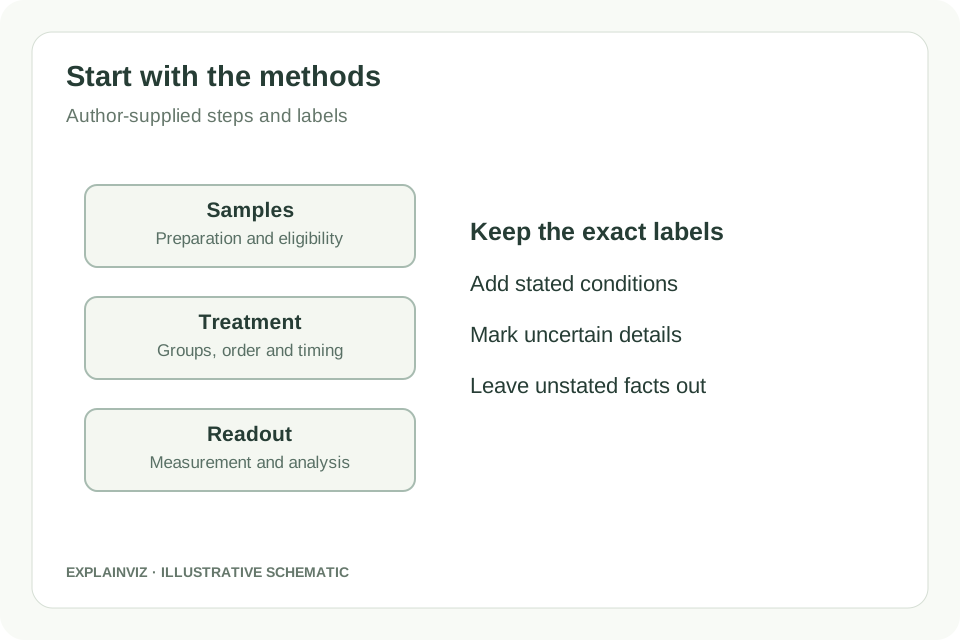
Write the sequence from sample preparation to measurement. Include group names, shared steps, timing and the exact labels you need. State what is unknown instead of inviting the generator to invent a missing procedure.
02
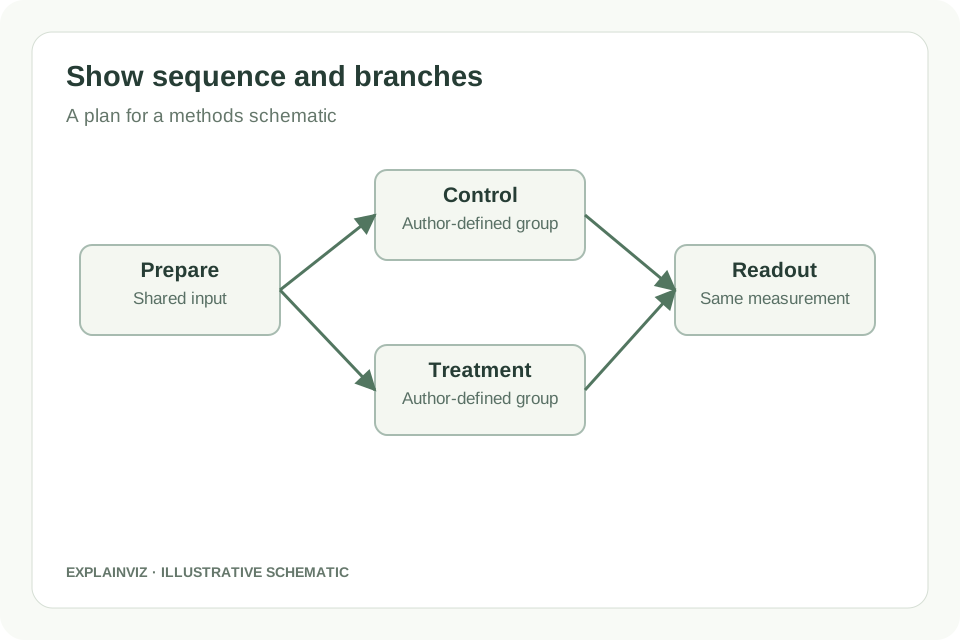
Paste your outline into the generator and choose an available model and aspect ratio. Specify which steps connect, where groups separate and whether the figure should read across or down. Keep the first draft focused on one Methods task.
03
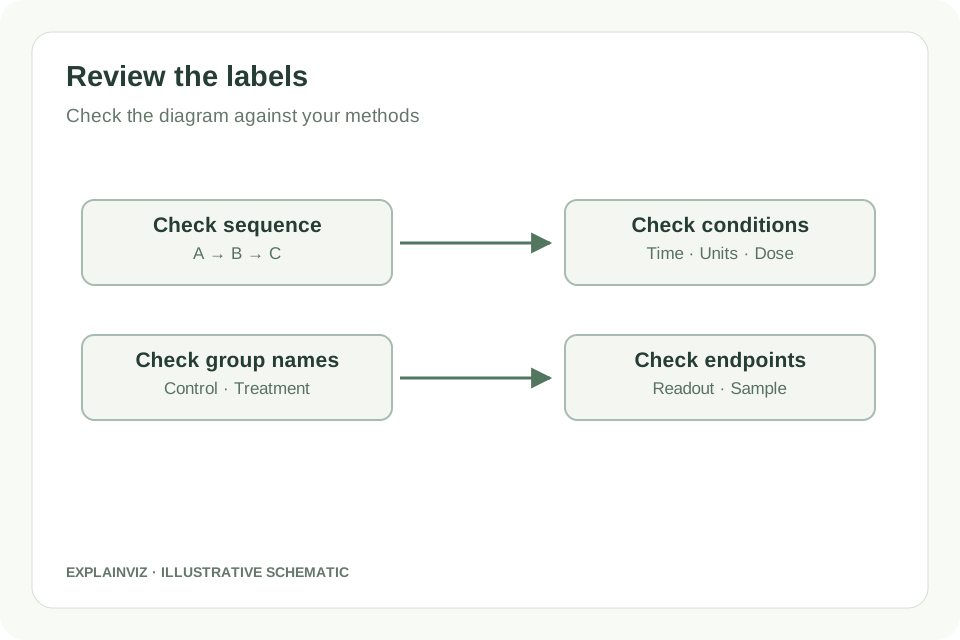
Compare every label, arrow and experimental condition with your protocol. Correct the draft before relying on it. For a vector result, download its SVG and refine typography or arrangement in a compatible editor before manuscript submission.
Your protocol supplies the sequence and scientific meaning. A written outline gives the drafting workflow a clear task and helps you notice omissions before spending time on visual styling.
An explicit map of inputs, branches and outputs lets you review the figure element by element. You can compare a named treatment, arrow or readout directly with the corresponding statement in your methods.
When the selected workflow returns SVG, the file remains a vector starting point for later layout and label changes. Keep the reviewed figure alongside your manuscript rather than recreating its structure for each revision.
A clear diagram cannot establish that a procedure is correct or reproducible. Treat generation as drafting support and keep scientific verification with the author, supervisor and relevant collaborators.
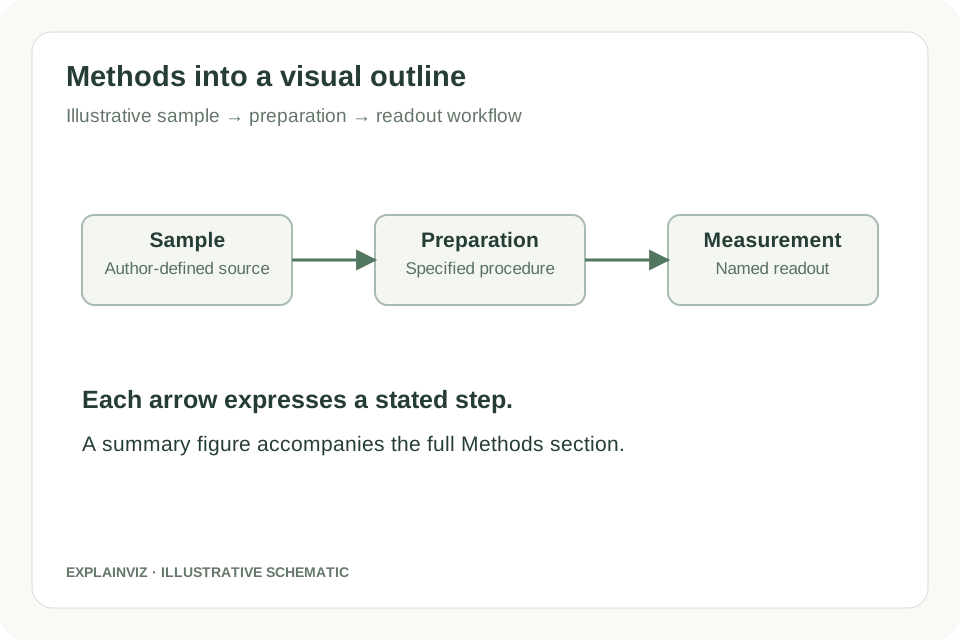
A methods schematic explains how an experiment moves from an input to a readout. Begin by choosing the scope: an overview of the whole study, a single assay, or one preparation procedure. These are different figures. A whole-study overview should show the major phases, while an assay schematic may need more detail about treatment order and measurement. Mixing both levels often creates a diagram that is crowded yet incomplete.
For an illustrative sample workflow, write “collect samples → prepare samples → apply the stated treatment → acquire the named measurement → analyse the specified output.” Replace those generic labels with the terms in your Methods section. Add a time or temperature only when you have supplied it from the protocol. If the direction of an arrow represents transfer, incubation or data processing, make that meaning explicit in the description rather than leaving it for the model to guess.
Use a short title for each stage and put necessary details beneath it. Distinguish the physical material from the data produced: a sample, an image and a calculated value do not represent the same kind of object. The figure is an orientation aid for readers; the full Methods section still carries the procedural detail needed to interpret or reproduce your work.
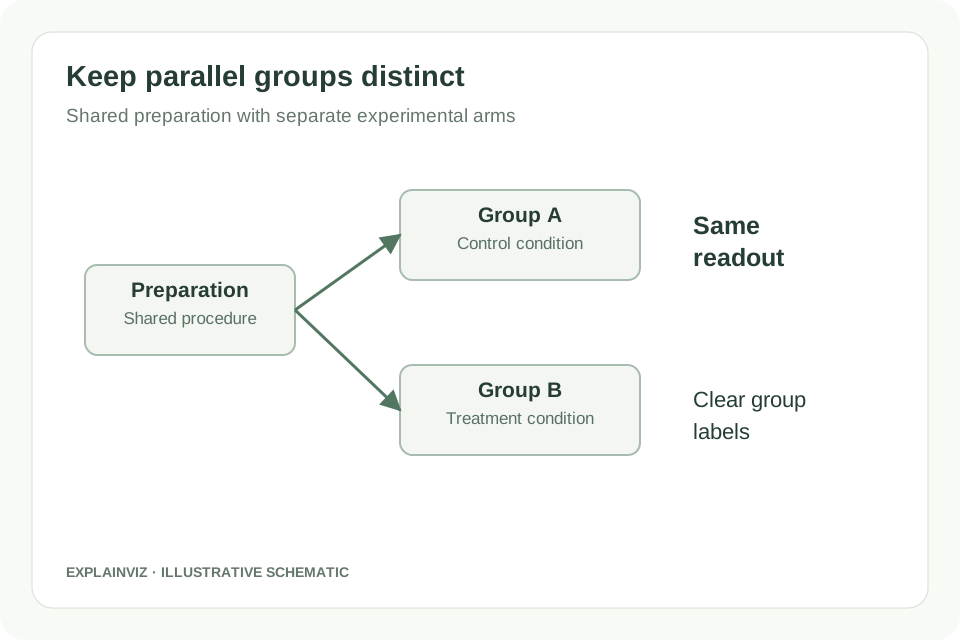
Parallel experimental arms need a different structure from a purely sequential procedure. Describe the shared preparation once, then identify the point where groups split. Name every arm using the terminology in the manuscript. If the same readout is applied to each arm, say so; if different measurements follow, list the difference. A branch should communicate a real experimental choice or group assignment, rather than serve as decoration.
An illustrative controlled assay might have common sample preparation followed by a control condition and a treatment condition, with both continuing to the same measurement. Give the generator those facts explicitly. For a longitudinal measurement, also state whether a timepoint belongs inside each arm or forms a shared timeline. Do not let the visual arrangement imply that separate cohorts are the same participants, that repeated measurements are independent samples, or that one treatment causes another.
Before export, read each path as a sentence. Check that its input, condition and output agree with the source outline. If the layout suggests the wrong order, revise the structure even if the image looks attractive. Group labels and explanatory text should carry the distinction, so readers are not required to infer experimental meaning from colour alone.
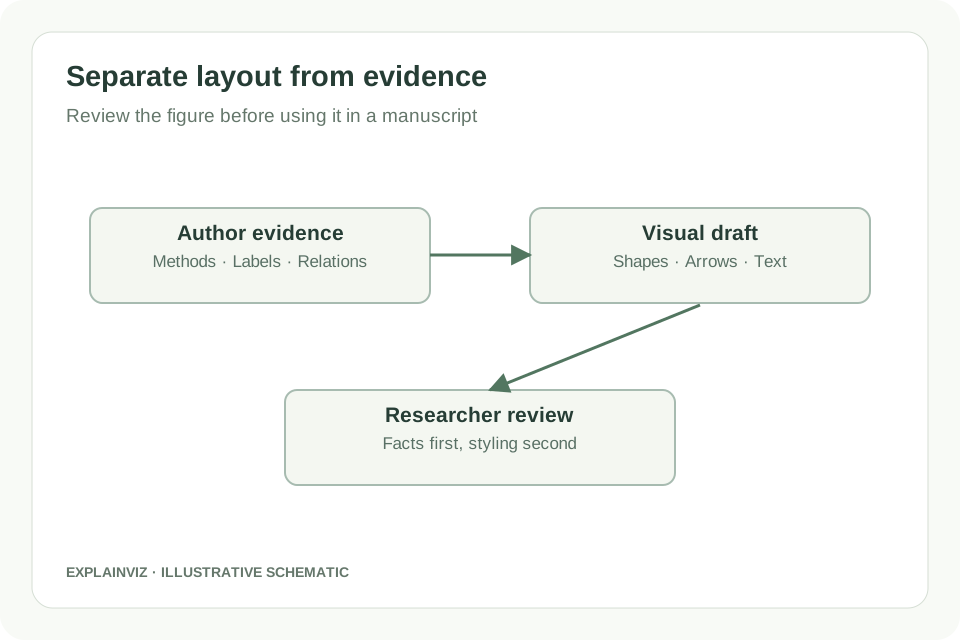
Review the diagram in two passes. First, check the scientific content: step order, sample identity, treatment labels, arrows, stated units and readout names. Resolve a factual mismatch by consulting the protocol or the appropriate co-author. Second, check communication: label length, line crossings, whitespace and the balance between overview and detail. Styling should make the verified sequence easier to follow, rather than conceal a gap in the method.
An AI-generated methods figure may omit a step, alter a label or introduce a visual element that you did not request. These are drafting errors to inspect. An apparatus sketch requires particular care because the position, scale and connections of its components may be scientifically significant. This page does not promise correct equipment geometry or replace a validated technical drawing. Provide those relationships yourself and verify them independently when they matter to the experiment.
For SVG output, use a compatible vector editor to make final changes to labels, spacing and appearance. Recheck the figure after editing, especially if boxes or arrows have moved. Choose the final dimensions and submission format from the journal’s instructions, and inspect readability at the intended size. This workflow does not provide a journal-specific print preset or certify that a final manuscript figure meets a publisher’s requirements.
Turn a verified sequence into a figure that helps readers navigate sample preparation, treatment and measurement. Keep the detailed procedure in the Methods text and use the diagram to explain its organisation.
Summarise a proposed experiment with its input, experimental arms and planned readouts. Clearly label planned work so a diagram does not present a future step or hypothetical result as completed research.
Bring a draft workflow to collaborators and ask them to inspect the order, group labels and missing steps. Incorporate their factual corrections before spending time on manuscript-level styling.
Reduce a complex procedure to its essential stages for readers standing at a poster. Keep labels concise, identify the measurement clearly and preserve a link between the overview and the underlying protocol.
They serve different reading tasks. A procedure schematic focuses on how the study was performed: preparation, groups, steps and readouts. A graphical abstract can also summarise the research question and the findings. Start here when the figure belongs mainly to Methods. Use the related Graphical Abstract Maker when you need a concise visual summary of the whole paper. One figure can reference the other without repeating its full content.
This generator sends your description through the existing account-based AI workflow. Decide what you can share under your institution’s rules, agreements and the service’s current terms. Use a de-identified description where appropriate and avoid entering participant identifiers. If a project requires special handling for confidential information, confirm that requirement with your institution before submitting its content. The locally drawn PRISMA and CONSORT counting tools on this site use a different workflow.
No. Supply the design you intend to describe, including the conditions, controls and sequence. A generated layout is not evidence that the design is suitable, that a control is sufficient or that an inferred mechanism is supported. Discuss those questions with the relevant researchers. If you need to distinguish observed, proposed and uncertain relationships, state that distinction in the input and review how it appears in the resulting draft.
The images in the instructions and feature descriptions are original illustrative schematics. They explain how to organise and review a workflow; they are not generated examples, reported experiments or evidence of scientific accuracy. Your own result appears in the live tool after you submit a description. Keep its original input and reviewed export together so you can explain what changed when collaborators request a revision.
Use the caption to name the scope of the procedure, explain abbreviations and define any visual conventions that readers need. If an arrow represents sample transfer rather than causation, make that meaning clear. Identify the relevant groups and readouts consistently with the Methods section. The caption should help the reader interpret your reviewed figure, while the detailed protocol remains in the manuscript or its appropriate supplementary materials.
Choose a level of detail that serves the reader’s task. A study overview can show the major phases, with a separate panel reserved for a complex assay or setup. Keep shared labels consistent between panels and explain where a detailed panel fits into the larger sequence. Do not remove a scientifically important transition merely to make the drawing shorter. Prepare each scope as a separate description, then arrange reviewed vector outputs in your final figure editor.
Start with the steps you know, create a visual draft and review its scientific meaning before submission.
Create a methods schematic